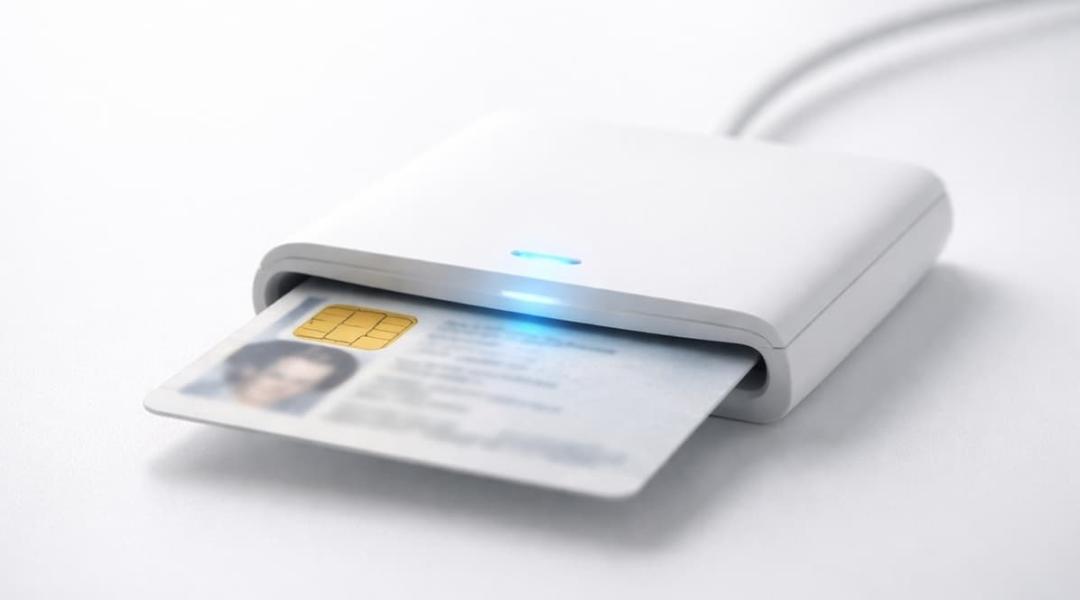
You can use your electronic identity card (eID) and your PIN code to log in to government services (taxes, pensions, MyHealth, MyBXL,...).
What do you need?
- A computer (Windows, Mac or Linux)
- An eID card reader (you can buy one from the Population Service for 7 euros)
- Your electronic identity card
- Your PIN code
How do you log in with your eID?
- Install the eID software
External siteDownload the official software
(Is the software already installed? Continue to the next step.)
- Go to the government service you want
Visit the website where you want to log in (taxes, pensions, MyHealth, MyBXL,...).
- Click on 'Log in' on the website
You will be automatically redirected to CSAM, the official online identification platform in Belgium.
- Select 'Log in with an eID card reader'
You will be taken to the page for authentication via the card reader.
- Connect your card reader
Connect the card reader to your computer.
- Insert your identity card into the card reader
The reader will automatically detect your card.
- Click on 'Log in'
- Enter your PIN code
Confirm your PIN code to identify yourself.
- You will be redirected to the selected service
Need help? Watch the video
The following video shows how to log in with an eID card reader (the video is in English with subtitles in English):


